
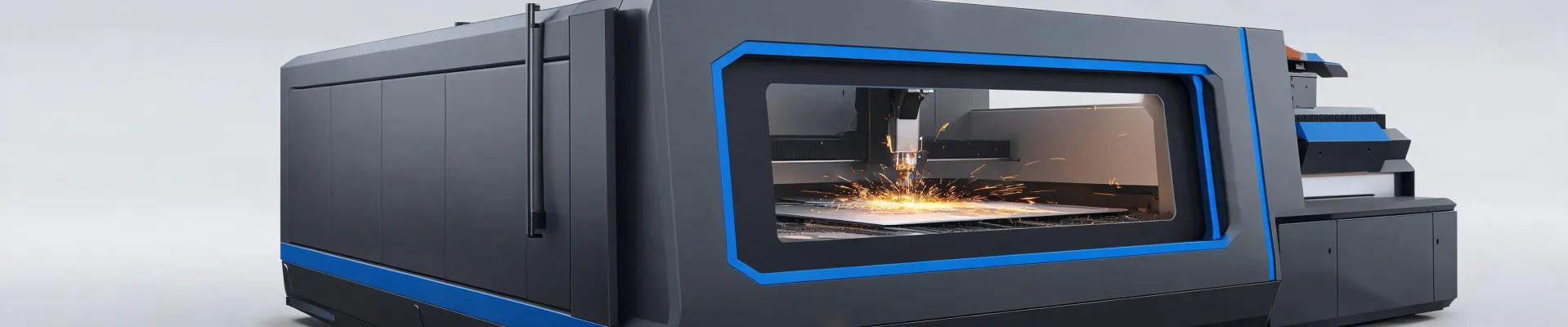
-
Bystronic Laser Programming FAQ
-
1. What’s the most common Bystronic laser programming mistake beginners make?
-
2. How do I set up a cutting plan for a new Bystronic laser machine?
-
3. Why does my Bystronic laser sometimes leave a rough edge?
-
4. Can I use a generic CAM program instead of BySoft?
-
5. What's the trick to programming for thin vs. thick materials?
-
6. How do I avoid collisions with the laser head?
-
7. What's the one parameter most programmers overlook?
-
8. Should I always trust the default settings in BySoft?
-
1. What’s the most common Bystronic laser programming mistake beginners make?
Bystronic Laser Programming FAQ
I've been handling Bystronic laser programming orders for about four years now. In my first year I made what I thought were rookie mistakes—turns out, some of them were expensive. This FAQ is built from the questions I've had to answer (and re-answer) for myself and our team. No fluff, just what I wish I'd known.
1. What’s the most common Bystronic laser programming mistake beginners make?
Ignoring the material type and thickness in the cutting plan. Sounds obvious, right? In 2022 I programmed a 3mm mild steel job as if it were 2mm because I was rushing. The beam didn't pierce cleanly, the gas pressure was off, and I ended up with 12 scrap pieces. That mistake cost roughly $890 in redo plus a 1-week delay.
Lesson: Always double-check the material profile in the programming interface. The BySoft 7 software has a material library for a reason—use it.
2. How do I set up a cutting plan for a new Bystronic laser machine?
First, you need the machine's specific parameters. I remember when we upgraded from a ByStar to a BySprint Fiber—I assumed the same program would work. Nope. The fiber laser's beam is smaller and more intense, so focus position and gas pressure need adjusting.
Steps I follow now:
- Load the correct material into the software (e.g., stainless steel 1.5mm).
- Set the power curve: start at 75% for piercing, ramp to 100% for cutting.
- Check the nozzle—diameter and condition matter more than you'd think.
- Run a test cut on scrap. Always.
If I skip any of these, I'm asking for trouble. Literally.
3. Why does my Bystronic laser sometimes leave a rough edge?
This drove me crazy for months. The answer usually comes down to three things: gas pressure, focus height, or programming speed.
One time I had a job with 0.8mm aluminum—looked perfect on screen but came out with dross on every corner. Turned out my gas pressure was set to 0.6 bar when it should have been 0.8 bar. Small difference, huge result. After fixing that, the edges were clean.
If you're seeing rough edges, check the cutting gas type too—nitrogen for stainless, oxygen for mild steel. I learned that the hard way on a $450 order.
4. Can I use a generic CAM program instead of BySoft?
Short answer: Not really, if you want consistent results.
I tried using a third-party nesting tool once because I thought it would save time. The nested layout looked efficient, but the cut paths didn't match the Bystronic's acceleration curves. It caused vibration marks on the edges. We had to recut 8 parts—waste of $320 in material and 2 hours of machine time.
BySoft's native Post Processor handles the machine's dynamics. Third-party software might not. Stick with it unless you're absolutely sure about compatibility.
5. What's the trick to programming for thin vs. thick materials?
Thin materials (under 1mm) need high speed and low power—otherwise you get melting or warping. For thick materials (over 6mm), you need slower feed rates and multi-pass strategies.
I once programmed a 10mm steel plate with a single pass, thinking the 4kW laser would punch through. It did, slowly, with terrible edge quality. After switching to a dual-pass method (first pass at 60% power for rough cut, second at 90% for finish), the quality improved dramatically.
Rough guide:
- <1mm: speed 2500+ mm/min, power 40-60%.
- 6-10mm: speed 400-800 mm/min, power 80-100%.
6. How do I avoid collisions with the laser head?
This is one of those things you don't think about until it happens. In September 2022, I programmed a nesting layout where the head had to move over a previously cut part. The head collided with a raised edge—$1,200 in repairs and a week of downtime.
What I check now:
- Add a 'bridge' cut order to avoid crossing over raised parts.
- Use the collision detection tool in BySoft before sending the program.
- For tall parts, leave extra clearance (5-10mm).
Simple, but a time-saver.
7. What's the one parameter most programmers overlook?
Nozzle standoff distance. Most people set it and forget it. But if the nozzle is too high, the gas flow disperses and cuts get wider. Too low, and you risk spatter buildup.
I keep a log of optimal standoff distances per material—it's saved me countless re-dos. For example, 1.5mm stainless steel works best at 0.7-0.8mm standoff. For 3mm aluminum, I use 0.5-0.6mm.
8. Should I always trust the default settings in BySoft?
No. Defaults are a starting point, not a solution.
To be fair, BySoft's defaults are decent for common materials. But if you're cutting something unusual—like 2.5mm galvanized steel or 0.8mm brass—the defaults can lead to poor cuts. I've found adjusting feed rate by ±10% and power by ±5% often yields better results.
Don't hold me to this, but in my experience, about 70% of jobs need at least one parameter tweak from default.
One final thought: if you're considering a dewalt plasma cutter for small shop jobs, that's a different animal—plasma and laser are not interchangeable. But that's a whole other FAQ.

Jane Smith
I’m Jane Smith, a senior content writer with over 15 years of experience in the packaging and printing industry. I specialize in writing about the latest trends, technologies, and best practices in packaging design, sustainability, and printing techniques. My goal is to help businesses understand complex printing processes and design solutions that enhance both product packaging and brand visibility.